Suku Sucks
Recover Your Tokens
Follow these steps to recover unsupported ERC-20 tokens from your Suku Wallet
1
Connect your wallet
Click the connect button in the top right to connect with WalletConnect. This will give you your recovery address.
2
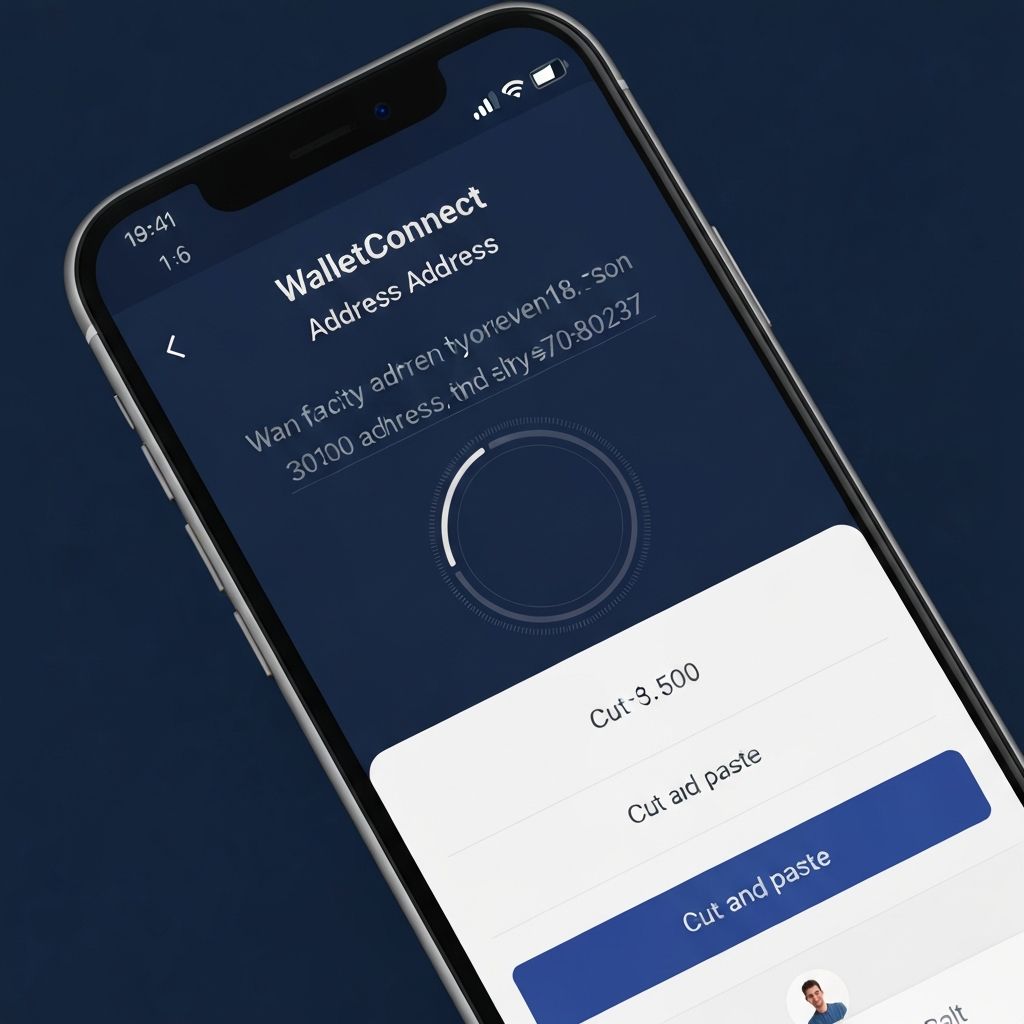
Copy your WalletConnect address
Once connected, your WalletConnect address will appear above. Copy it to your clipboard.
3
Paste address into Suku Wallet
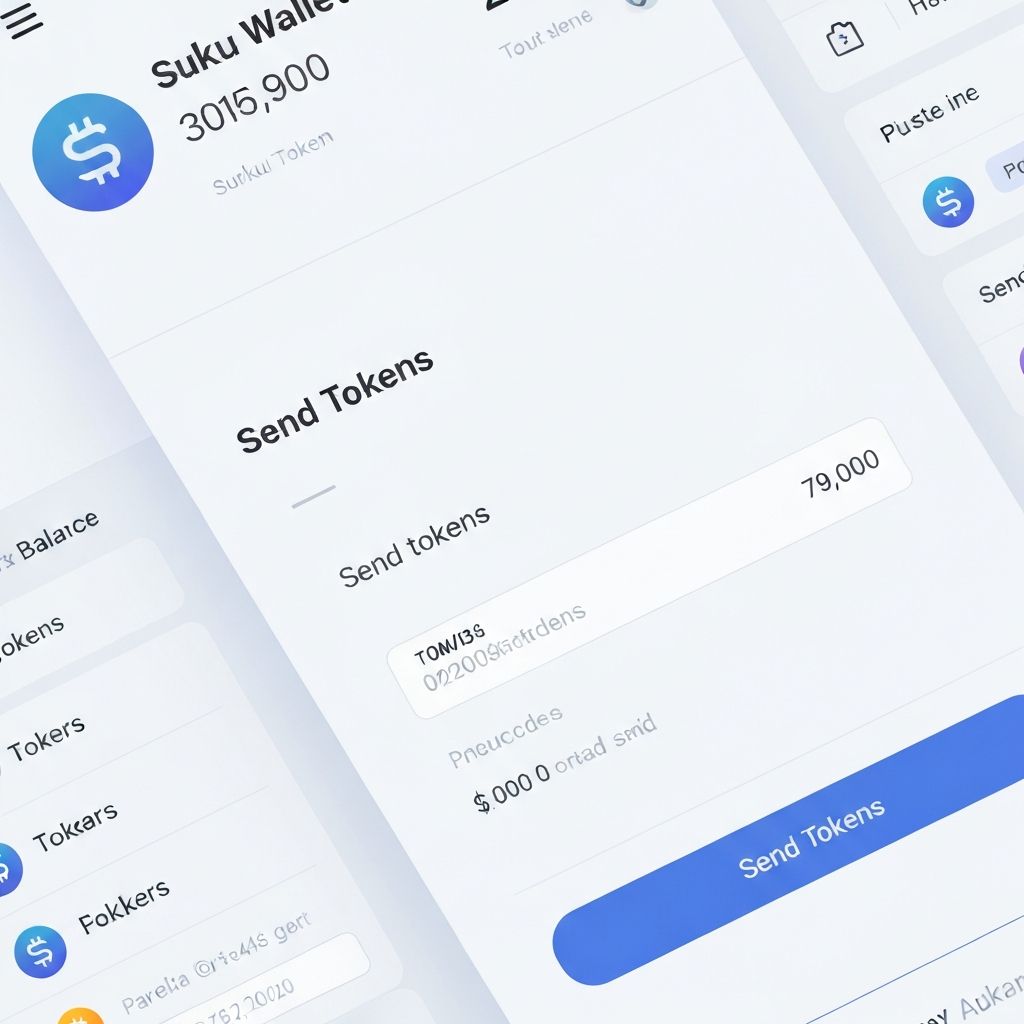
Open your Suku Wallet app and paste the copied address as the recipient to send your unsupported tokens.
4
Transfer tokens to your preferred wallet
Once the tokens arrive, use the form below to send them to any EVM address of your choice.
Connect your wallet to transfer tokens